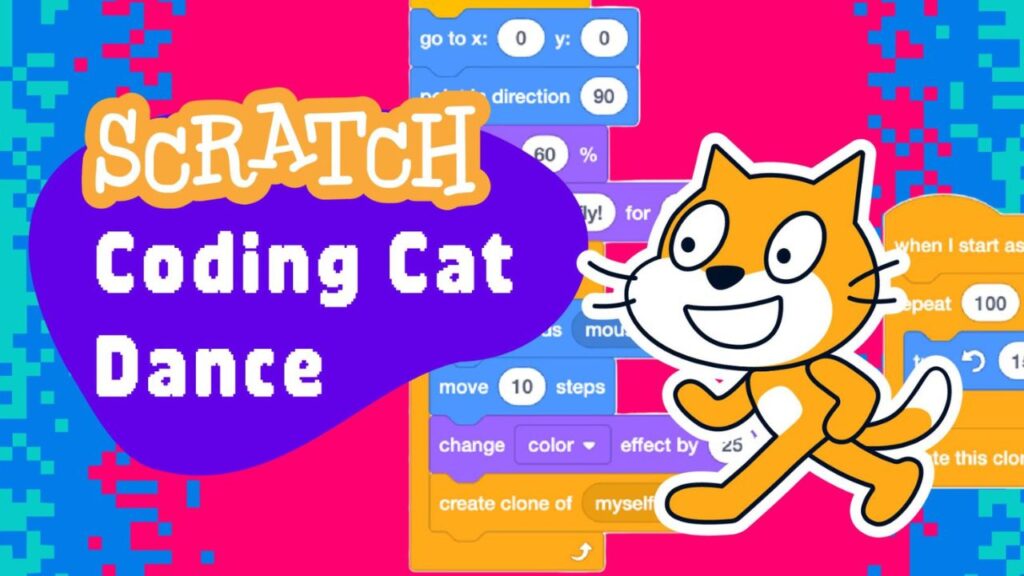
This course taught kids how to build a dancing cat using Scratch code. The educational asset was simply an ordered list of code, which was a problem since it didn’t give me much to work with – no examples, no vocab. And I couldn’t edit the list to make room for story because each step was essential!
So how do I convert an unyielding list of steps into a story?
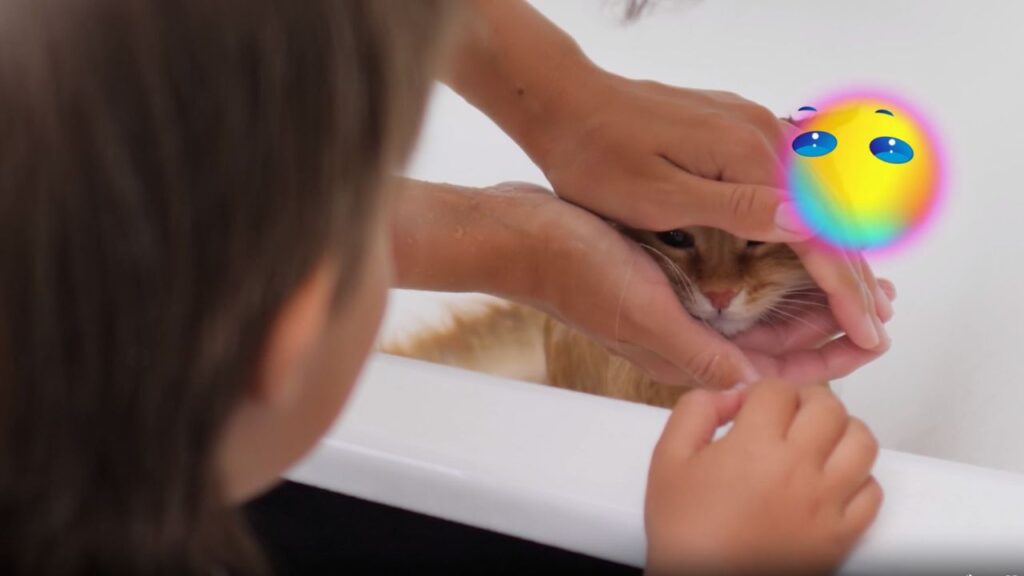
No affection from this stock photo
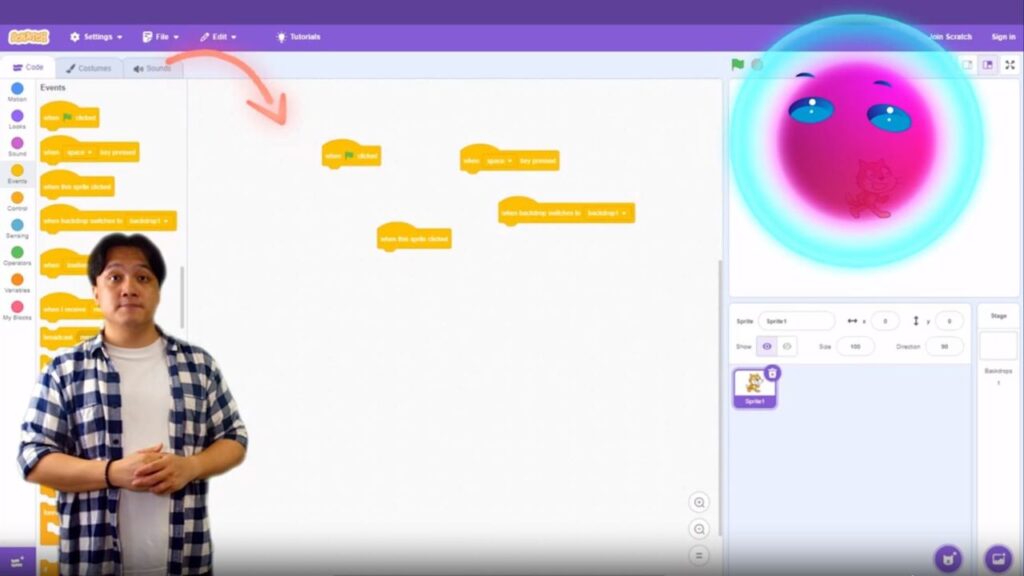
For starters, I made our featured alien, Ort, obsessed with cats. We open on him attempting to dance with a photo of one. Obviously, his attention is unrequited. Our host teacher proposes they build a cat that will actually respond to his affection. They then jump to the coding website and begin a tutorial to build a dancing cat.
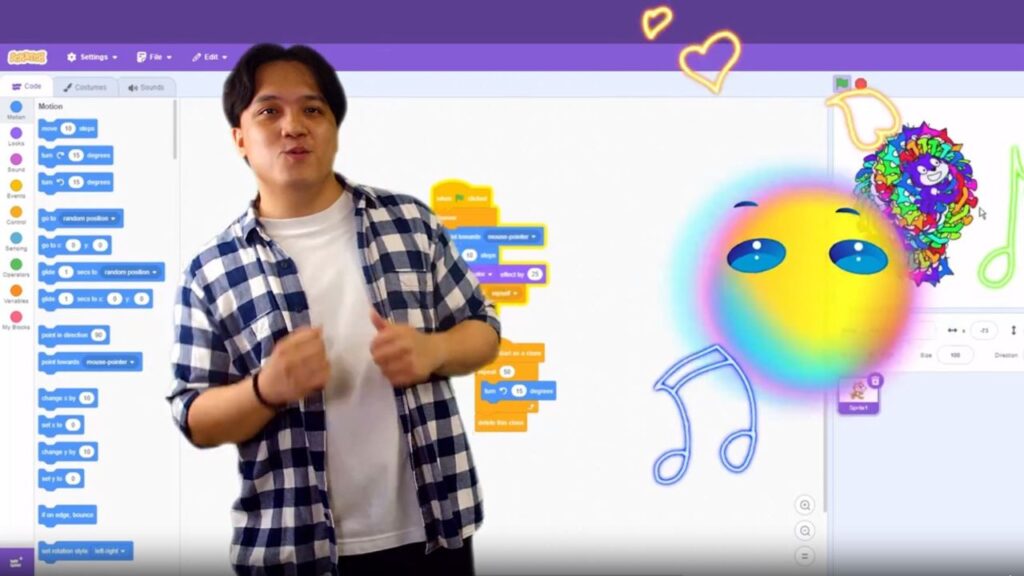
Our teacher tries to stay on track, but Ort’s frequent outbursts of excited dancing sometimes get in the way (of both the tutorial and the cat).
Dance break, please hold
The final script wasn’t very inspiring (just a few pages of instruction interspersed with ‘Ort dances’ action lines). But this is why I feature it here: it turned out to be one of my favorites because our editing team was BOSS.
They did a fantastic job making the ‘Ort dances’ action lines shine, displaying a real understanding of the comedic timing I was trying to create. And our actor played the foil perfectly.
Mr. Miguel finally joins the party
This course was the least ‘word-centric’ of my output, which was why it worked. It didn’t need words. It needed dancing, silly sound effects, the actor’s reactions, etc. – thus an unyeilding list of code becomes a story.
The production level of our videos has grown immensely, and we’re now at a point where a simple ‘Ort dances’ action line can go a long way.
I put that lesson in my back pocket and have used it more than once since.